The column “SOAP Client” is of interest for you when you apply Ingenious.V12 as a merchant’s online ordering system. Then the names of the suppliers will be saved if this order form can be used with them. With the  button, you can enter the name of a new supplier.
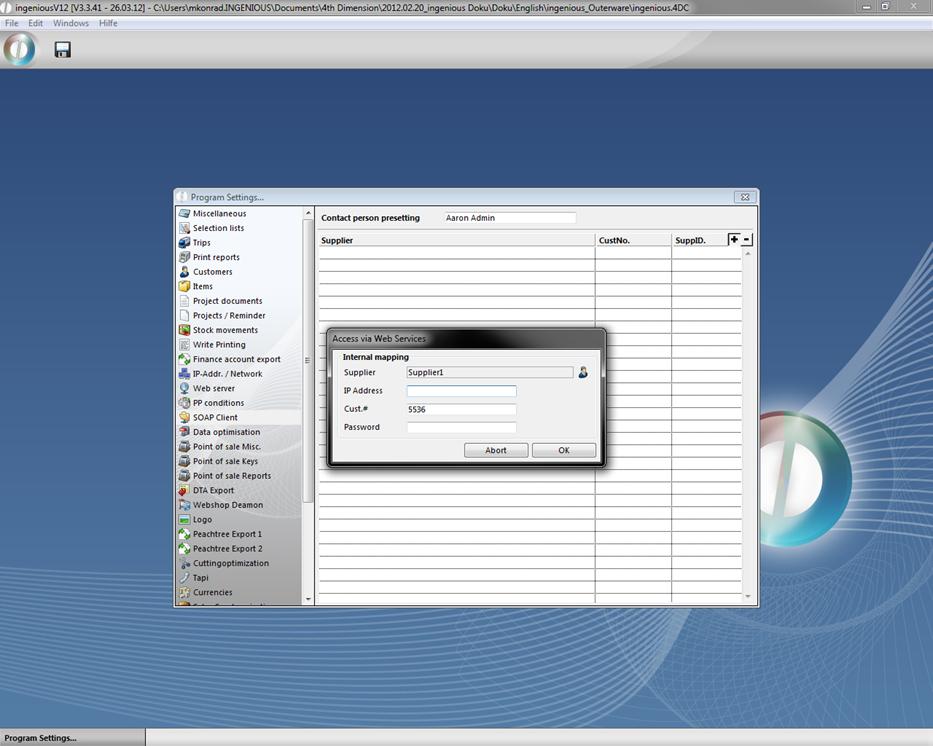
A dialog window opens where you can enter the matchcode of the designated supplier, or you can select his name with the  icon from the list of suppliers. You will receive the IP address and matchcode from the supplier. To delete the name of a supplier, check it and then click on the
  icon.
icon.